
Kenwood Main Oven Stopped Working? Why It Didn't Need a New Cooker
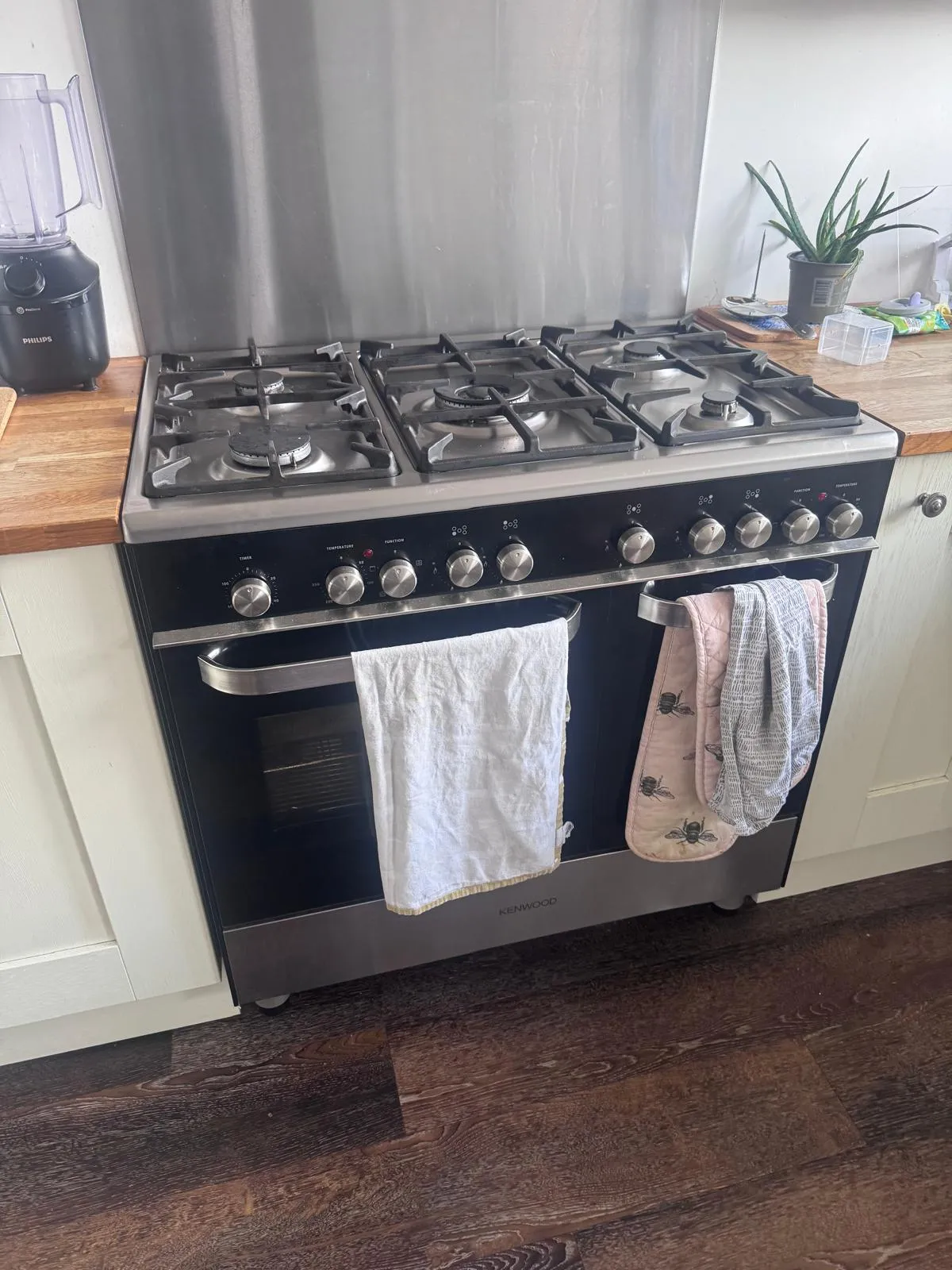
Nearly £1,000 for a new cooker. That’s what one of our customers was looking at when the main oven in their 10-year-old Kenwood range cooker stopped working.
They called us first. Our engineer traced the fault to the oven selector switch, replaced it and got the main oven working again, so the customer could keep their cooker. This article explains what the selector switch does, the checks you can safely try yourself, and how we fixed it.
What does an oven selector switch do?
The oven selector switch is the part behind the function dial, the knob you turn to choose fan oven, conventional, grill and so on.
Inside, it’s a rotary switch with a set of electrical contacts. Each position of the dial connects a different combination of parts. A fan setting might switch on the fan and the element around it. A conventional setting might use the top and base elements. The grill setting switches on the grill element. The temperature dial and thermostat then control how hot the oven gets.
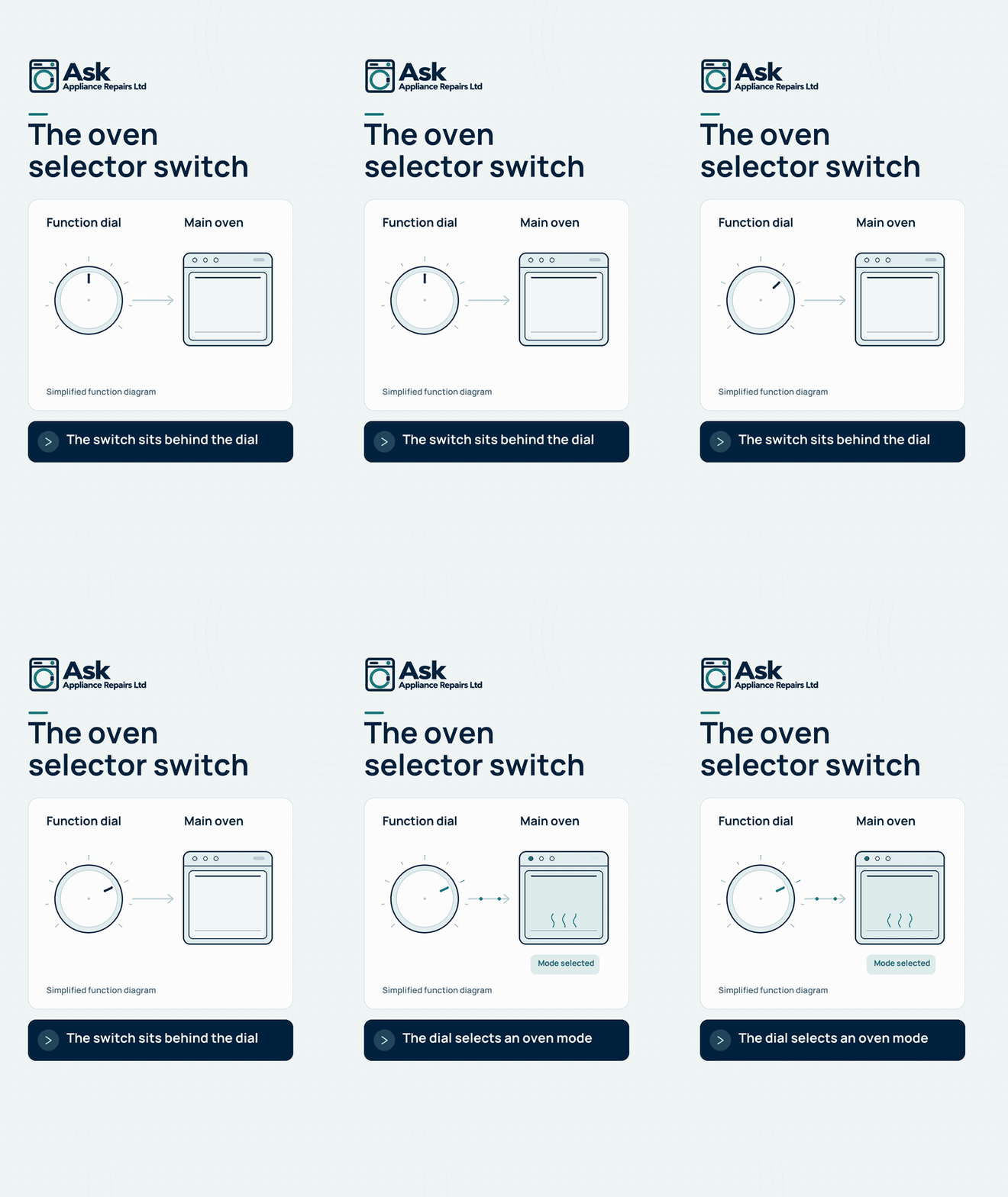
Every time you turn the dial, those contacts open and close while carrying the current for the elements. Over years of use they can wear, burn or stop making a good connection. When that happens, the oven may not heat at all, or only some functions work.
Why else might a Kenwood main oven stop working?
A selector switch is only one possible cause. When a main oven stops working, the fault usually falls into one of these groups:
| What you notice | Likely cause | Can you check it yourself? |
|---|---|---|
| Display flashing or showing 00:00, and the oven won’t start | Clock not set after a power cut, or the timer is set to an automatic cooking time | Yes, set the clock using your manual |
| Controls do nothing, with a key or lock symbol on the display | Child lock is on | Yes, your manual explains how to unlock it |
| Whole cooker dead, display blank | Cooker isolator switched off, or a tripped fuse or RCD | Yes, but don’t keep resetting a trip that comes back |
| Fan turns but the oven stays cold on fan settings | Fan element or its wiring | No, needs an engineer |
| Light comes on but no heat on any setting | Selector switch, thermostat, thermal cut-out or wiring | No, needs an engineer |
| Some functions work and others don’t | Selector switch contacts or one failed element | No, needs an engineer |
| Burning smell, scorch marks near the dials or the power trips | Burnt connection, switch or element | No, switch the cooker off at the isolator and call an engineer |
AEG’s guide to an oven that does not heat up lists the same first checks: the clock, child lock, demo mode and a tripped fuse or RCD. The detail differs between brands and models, so your Kenwood manual is the best guide for your cooker’s clock and lock settings.
How we fixed this Kenwood cooker
The customer’s main oven had stopped working. With a quote of nearly £1,000 for a new cooker in mind, they wanted to know whether this one could be saved.
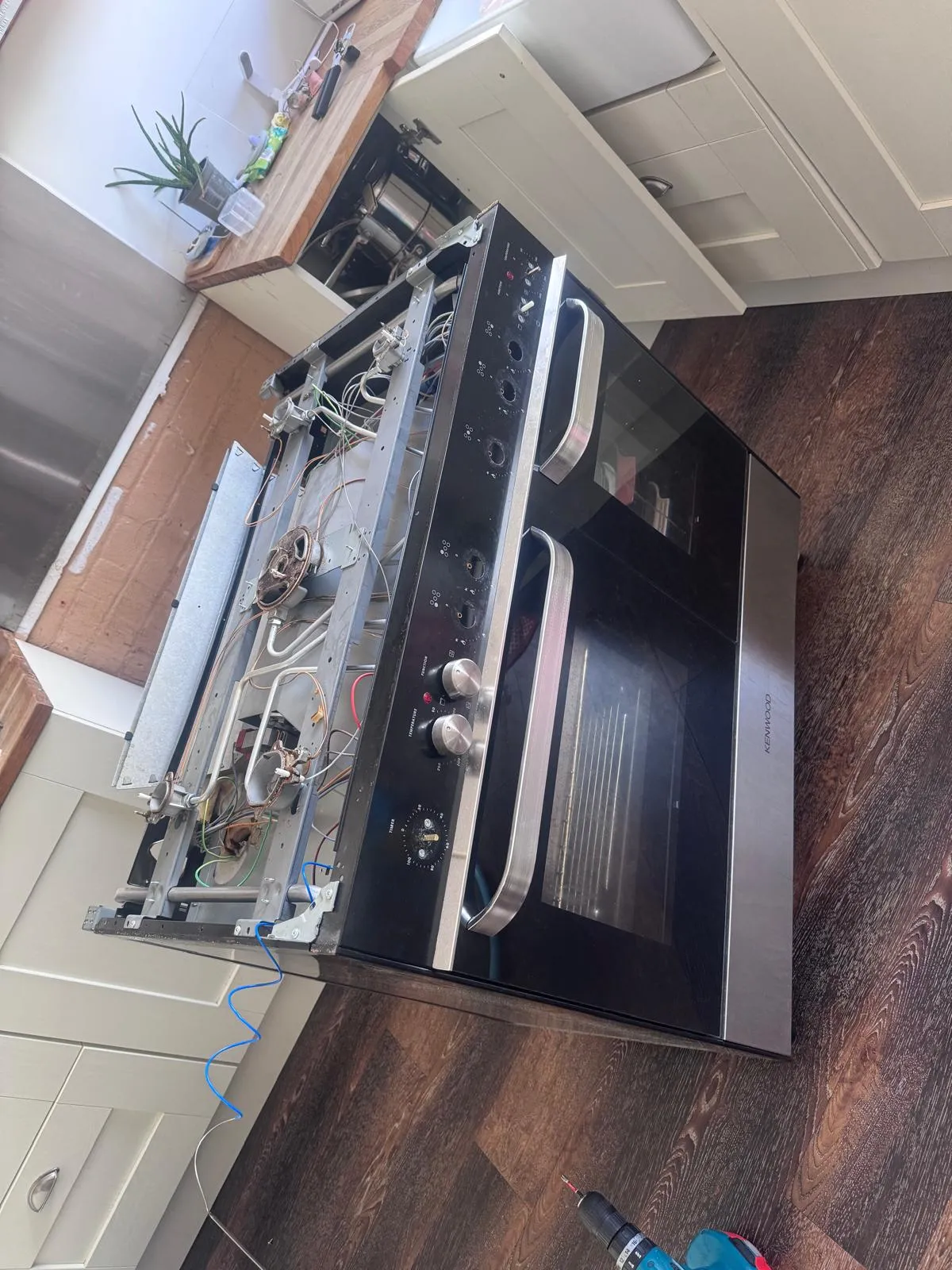
The cooker pulled out and the hob top lifted off to reach the controls and wiring behind the control panel.
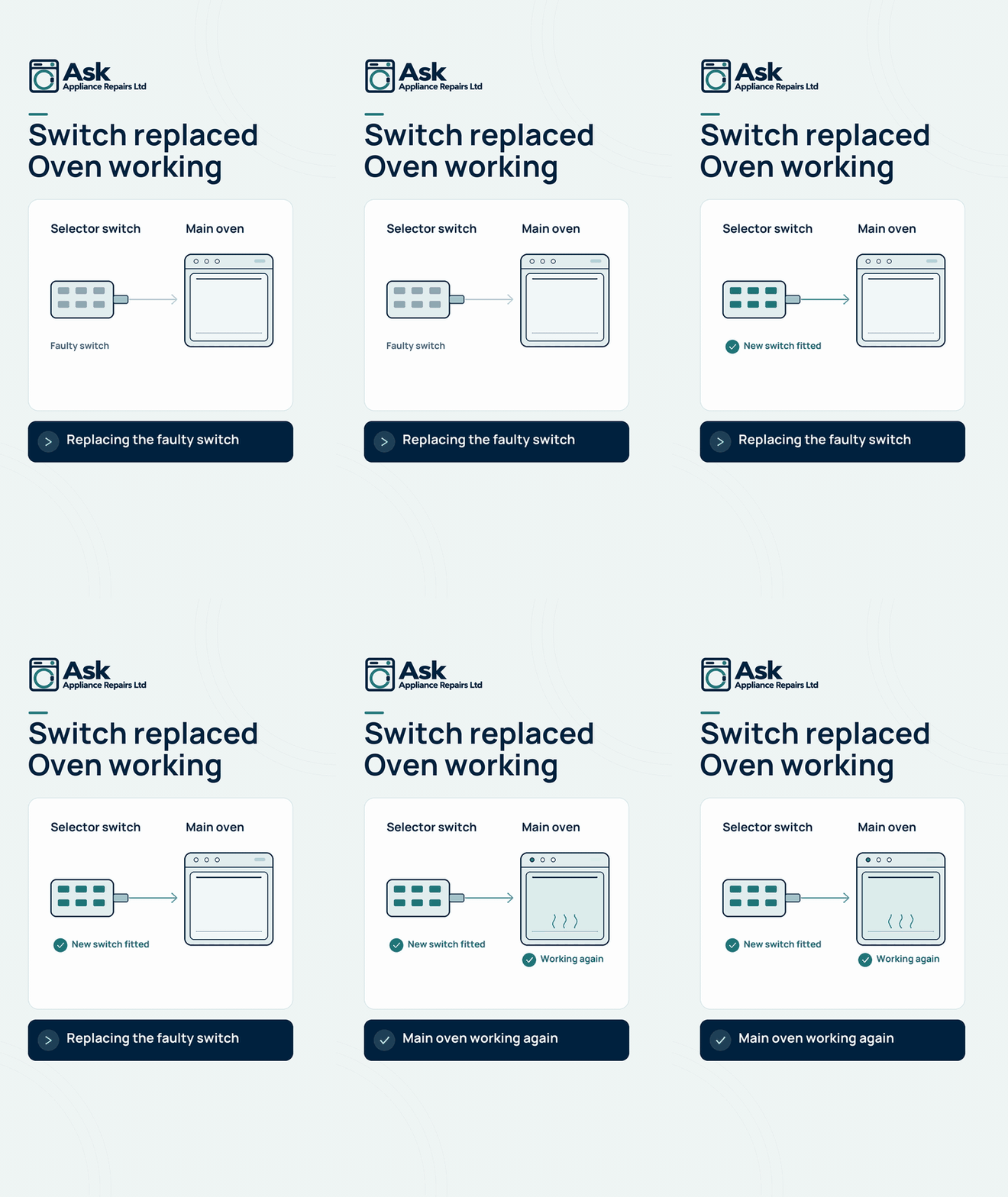
Our engineer traced the fault to the oven selector switch behind the main oven’s function dial. The rest of the cooker didn’t need replacing, just that one part.
We fitted a new selector switch, reassembled the cooker and checked the main oven. It was working again, and the customer kept their cooker.
What to do if your main oven stops working
Before you book a repair, these checks are safe to try:
- Check the clock. If the display is flashing or showing 00:00, set the time using your manual. On many ovens with a digital timer, this is needed after a power cut before the oven will work normally.
- Check for an automatic programme or child lock. A cooking time left set on the timer, or a lock symbol on the display, can stop the oven from starting.
- Check the power. Make sure the cooker switch on the wall is on, and look at your consumer unit for a tripped switch. If it trips again when you use the oven, stop and leave the cooker switched off.
- Try each function. Note which settings work and which don’t: fan, conventional, grill, and whether the light and fan come on. This helps an engineer narrow the fault down quickly.
- Note the model number. On most cookers it’s on a label around the oven door frame or on the back of the cooker.
If none of that helps, the fault is inside the cooker. Diagnosing it means taking off panels and testing live mains parts, so leave that to an engineer. Don’t keep switching the oven on and off to see if it comes back.
Repair or replace?
A range cooker is an expensive appliance. When one part has failed, such as a selector switch, an element or a thermostat, a repair usually costs a fraction of a new cooker. The key is an accurate diagnosis, so you only pay for the part that has actually failed.
Our cooker and oven repairs start from £75, which covers the on-site fault diagnosis and labour for the approved repair. If a part is needed, we’ll explain what has failed and give you a clear quote for the part before any work goes ahead. Parts are charged separately, and if we need to order one, the return visit to fit it is included.
If your oven has stopped working, call Ask Appliance Repairs on 07340 002079 or book a repair. We cover West London, Slough, Surrey and nearby areas, 8am to 8pm every day, and you can check your postcode on our homepage.
If your cooker is tripping the electrics rather than just not heating, read how we found and fixed a De’Longhi cooker tripping the power.
Frequently asked questions
Why does my oven light come on but the oven does not heat?
The light shows that power is reaching the oven and that the function dial is selecting something. If there is no heat, the problem is in the heating side: an element, the thermostat, the wiring or the contacts inside the selector switch that should switch the elements on. An engineer tests each of these to find which one has failed.
Can a faulty selector switch make only some oven functions work?
Yes. Each position of the function dial uses a different set of contacts inside the switch. If one set wears or burns out, the functions that use it stop working while others, such as the grill, may still work. That pattern is a useful clue, so note which functions work and which do not before you book a repair.
Can I still use the hob and the other oven while the main oven is broken?
Often, yes, if they work normally. Stop using the cooker and switch it off at its wall isolator if you notice a burning smell, scorch marks around the dials, the power tripping or controls that feel hot. Those signs need checking before the cooker is used again.
Is a 10-year-old cooker worth repairing?
Usually, yes, when the cooker is otherwise in good condition. Most oven faults come down to one replaceable part, such as a switch, element or thermostat. That costs far less than a new range cooker, which can be close to £1,000 or more. We tell you honestly if a repair is not worth it.
How much does it cost to replace an oven selector switch?
Ask Appliance Repairs cooker and oven repairs start from £75, which covers the on-site fault diagnosis and labour for the approved repair. The replacement switch is charged separately, and we give you a clear quote for the part before any work goes ahead.